
Fixing the Mautic “Impossible to access an attribute” Error in Form Actions
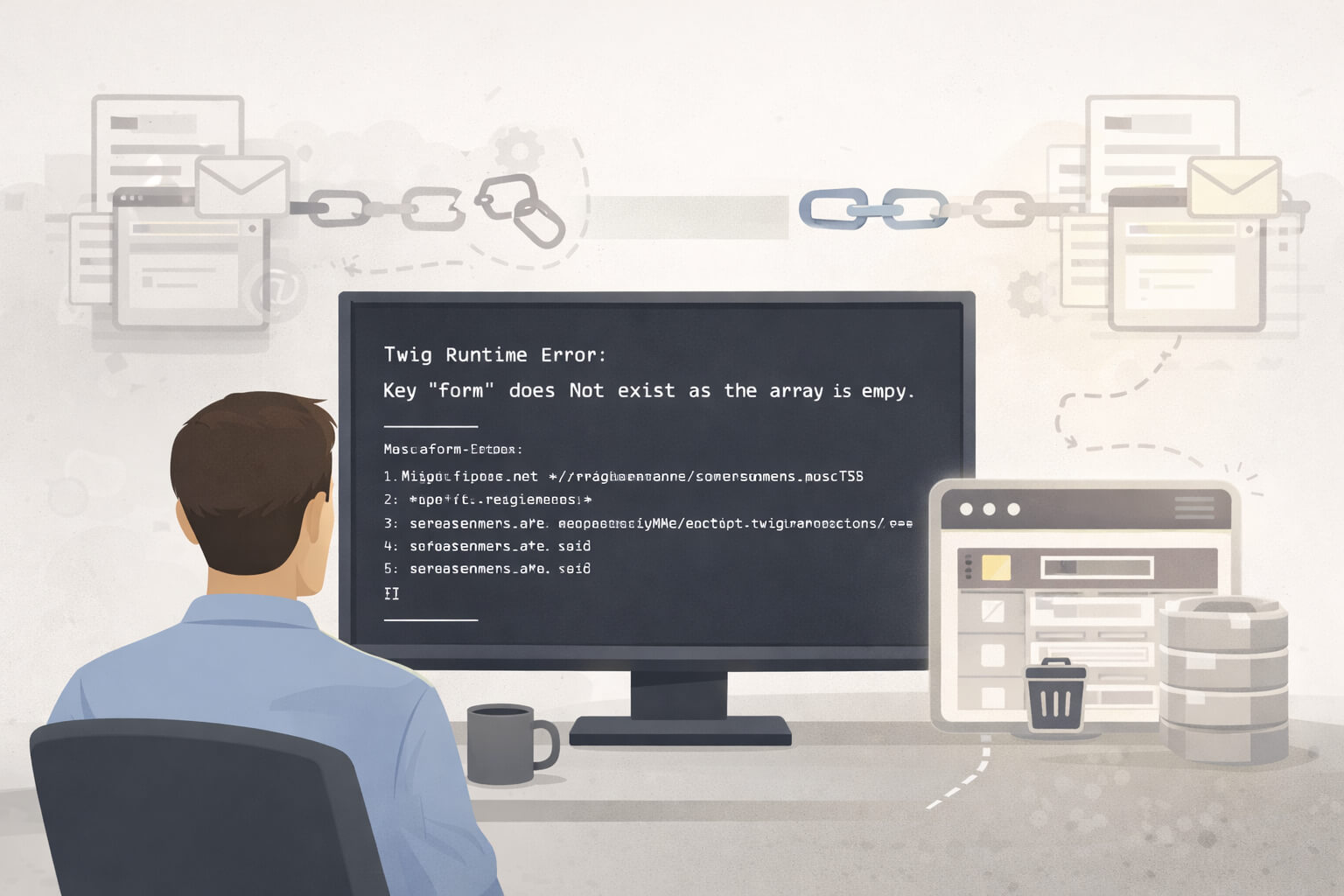
If you run a long-lived Mautic instance, there is a specific failure mode that often appears after routine cleanup. A form loads, a contact timeline breaks, or the admin interface crashes with a Twig runtime error.
The message points to a template, but the cause sits elsewhere.
This article explains exactly when this error occurs, why it persists, and how to remove it safely without modifying core files.
When this error typically appears
This issue usually surfaces after administrative housekeeping, such as:
- Removing an email that was previously used in a form action
- Deleting or renaming custom fields referenced by forms
- Importing forms or assets between environments
- Upgrading an older instance where historical data remains
The form itself still exists, but one of its actions no longer points to a valid object.
The error message you will see
In the application logs (var/logs/mautic_prod-*.log), the failure presents as a Twig runtime exception:
Twig\Error\RuntimeError:
Impossible to access an attribute ("name") on a null variable.
The stack trace often references a Twig file such as:
EmailBundle/Resources/views/Action/email.html.twig
This is not a template bug. Editing Twig files will not resolve the issue and may introduce upgrade problems later.
The underlying cause
Mautic stores form actions separately from the assets they reference. When an email or field is deleted through the interface:
- The asset is removed correctly
- The form action row remains
- The action still contains a reference to the deleted object’s ID
When the form is rendered, Mautic attempts to load the referenced asset to display its name. The lookup returns null, and Twig fails when it tries to access a property on a non-existent object.
This creates a hard failure at render time rather than a silent skip.
Why manual editing is unsafe
The configuration for form actions is stored as serialised data in the database. Altering the contents of the properties column manually risks:
- Breaking the serialisation structure
- Corrupting unrelated settings
- Causing new errors that are harder to trace
For this reason, the safest correction is to remove the invalid action entirely.
Removing the orphaned form action
Before making changes, take a database backup. This fix is safe when applied correctly, but it is irreversible without one.
Identify affected actions
Connect to your database using phpMyAdmin, Adminer, or the command line. Then run:
SELECT id, form_id, type, properties
FROM mautic_form_actions
WHERE type = 'email.send';
Replace mautic_ with your own table prefix if needed.
Inspect the results
In the properties column, you will find a serialised string containing an email ID.
- If that ID no longer exists in the
emailstable, the action is invalid - Note the
idvalue of the affected row inmautic_form_actions
Delete the invalid row
Remove the broken action using its primary key:
DELETE FROM mautic_form_actions
WHERE id = [ACTION_ID];
If more than one action is affected, repeat the process for each confirmed orphan.
Do not edit the serialised data. Deleting the row is the cleanest and least risky option.
Confirming the fix
After the deletion:
- Return to the Mautic admin interface
- Open the form that previously triggered the error
- The page should now load normally
- The missing action will no longer appear
You can now add a new Send Email action and select a valid email.
Preventing this issue in future
To avoid recurrence:
- Remove form actions first before deleting emails or fields
- Audit forms after bulk asset cleanup
- Be cautious when importing partial data between environments
These steps reduce the chance of stale references persisting unnoticed.
Further notes
This error is a symptom of referential drift rather than a rendering fault. Removing the orphaned form action restores consistency between stored configuration and available assets.
By correcting the data rather than masking the error, you keep the system stable and upgrade-safe.