
How to Fix the “Report period must be one of day, week, month, year (got range)” Error in Matomo
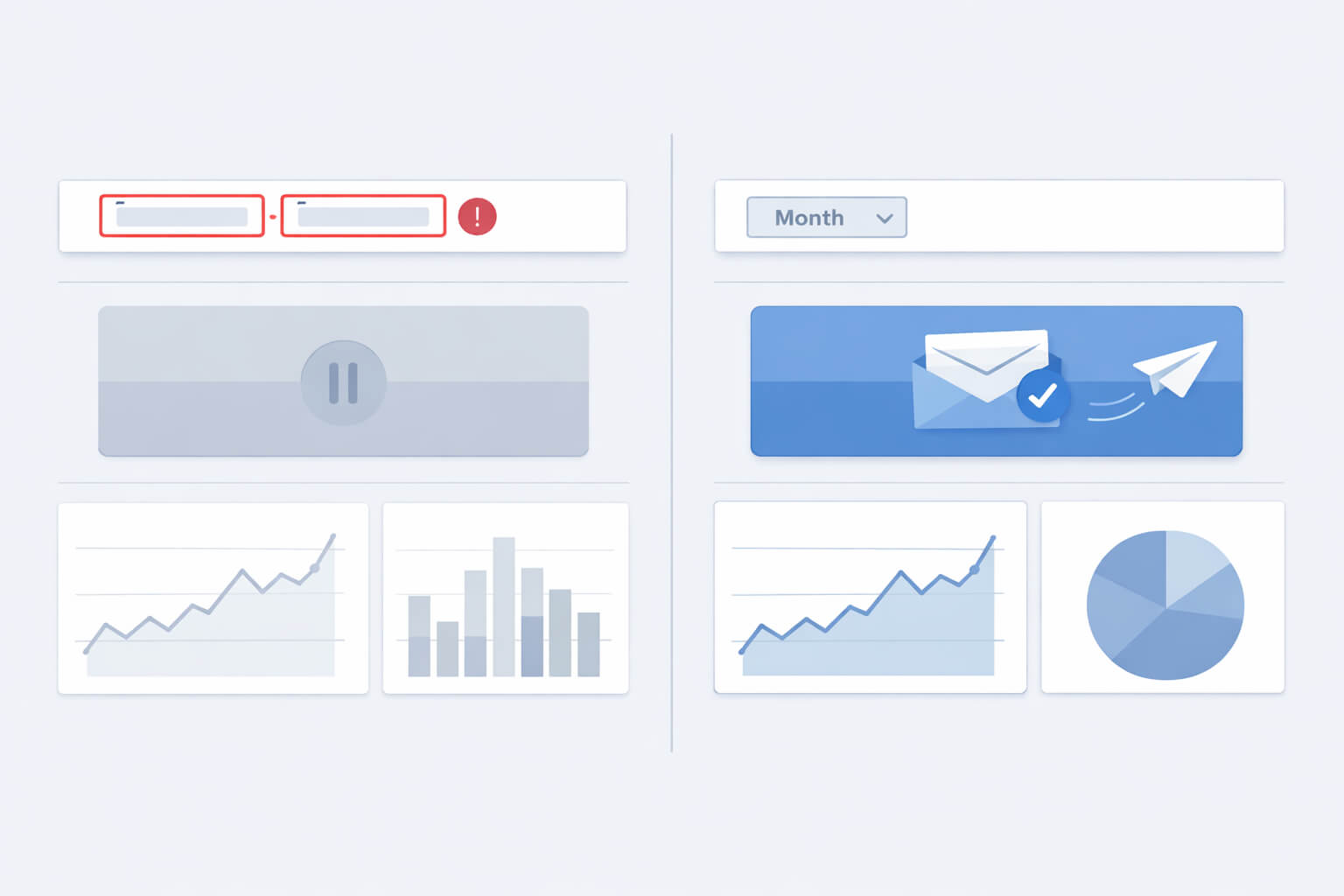
If you encounter the error “Report period must be one of the following: day, week, month, year (got range)” while generating or scheduling email reports in Matomo, the cause is usually not the report configuration itself. In most cases, the issue is triggered by the global date selector being set to a custom date range, which Matomo’s scheduled reporting system does not support.
This behaviour has been reported repeatedly by users and discussed across Matomo’s GitHub issues and community forum. It appears consistently across both Matomo Cloud and self-hosted installations, depending on version and reporting context.
Understanding the problem
Matomo’s reporting engine only supports the following report periods for scheduled and emailed reports:
- Day
- Week
- Month
- Year
When a custom date range is selected in the global date picker (for example, 4 April 2025 – 10 April 2025), Matomo internally assigns the period value range. That value is valid for interactive analysis in the UI, but it is not accepted by the scheduled report generation logic. As a result, report creation fails with the error message shown above.
This behaviour is documented and discussed in several community reports, including:
- Matomo GitHub issue discussions on scheduled reports rejecting
period=rangehttps://github.com/matomo-org/matomo/issues - Community forum threads describing the same error during email report generation https://forum.matomo.org/
Step-by-step resolution
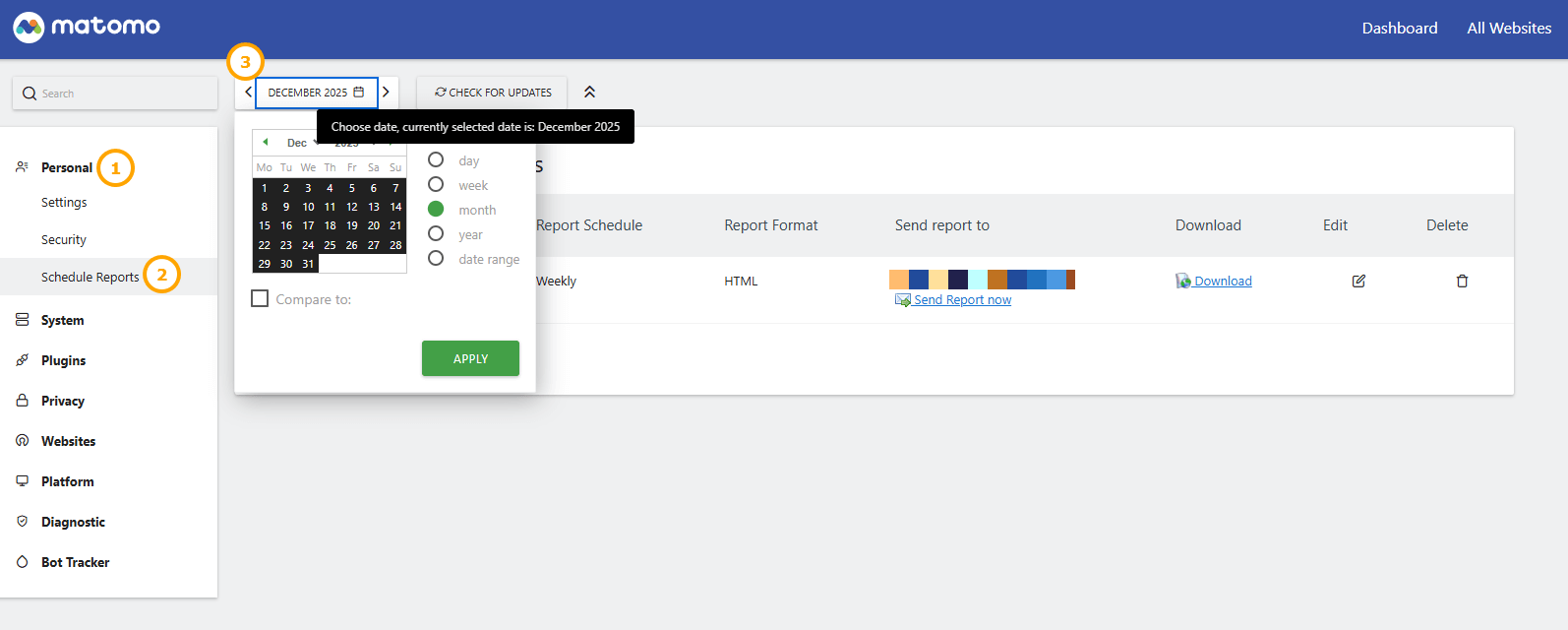
Step 1: Locate the global date selector
- Navigate to Administration → Email Reports (Menu labels may differ slightly depending on Matomo version and permissions.)
- Look at the date selector at the top of the Matomo interface. This selector applies globally, including to report generation.
Step 2: Switch to a supported period
- Click the date selector.
- Ensure no custom range is active.
Select one of the supported periods:
- Day – choose a single date
- Week – select a calendar week
- Month – select a month
- Year – select a year
If a custom range is highlighted, deselect it before choosing a standard period.
Step 3: Generate or schedule the report again
Once the global period is set correctly, retry generating or scheduling the report. In most cases, the error disappears immediately.
If this error appears, always check the global date selector first. The report settings themselves are rarely the cause.
Why this behaviour exists
This is a limitation in Matomo’s reporting workflow, not a misconfiguration by the user.
While Matomo supports flexible date ranges for on-screen analysis, the scheduled reporting system expects a single, well-defined period value. The system does not currently convert custom ranges into supported reporting periods during email generation.
There have been discussions and incremental improvements around validation and messaging in newer releases, but this behaviour still occurs in real-world installations, particularly on long-term-support or slightly older versions.
Upgrading Matomo may improve related edge cases, but it does not guarantee that custom date ranges will work for scheduled reports.
Preventive best practices
- Check the date selector before scheduling reports Matomo remembers the last selected date range across sections.
- Use preset calendar options such as “Last week” or “Last month” instead of manual ranges.
- Keep Matomo updated, but treat upgrades as maintenance rather than a guaranteed fix for this behaviour.
- Document this internally if multiple users manage reports on the same Matomo instance.
Frequently asked questions
Can I use custom date ranges anywhere in Matomo?
Yes. Custom ranges work correctly for interactive dashboards and analysis. The limitation only applies to scheduled, emailed, or downloaded reports.
Does this affect Matomo Cloud?
Yes. This behaviour exists in both Matomo Cloud and self-hosted environments, as it is part of the core reporting logic.
The error is gone, but my report is empty
Check the following:
- There is tracked data for the selected period
- The correct site and segment are selected
- The option “Do not send if report is empty” is not enabled in the report settings
Further notes
This error is frustrating largely because the message does not clearly point to the global date selector as the cause. Once you understand that scheduled reports cannot use range periods, the fix becomes quick and repeatable.
For administrators managing shared Matomo instances, building the habit of verifying the date selector before creating or editing reports will prevent most repeat occurrences.